Our travel sleep setup: Nanit, Hatch and a travel router
From preschooler parents in the Berkeley Hills
We only recommend things we use or have researched closely. Some links on this page are affiliate links, and buying through them costs you nothing extra. As an Amazon Associate I earn from qualifying purchases. How we make money
How do you use a Nanit and Hatch on hotel Wi-Fi?
Bring a travel router. Most hotel Wi-Fi has a login page, and a Nanit can't get past one. We connect a GL.iNet Beryl AX to the hotel Wi-Fi, and our Nanit camera and Hatch Rest join the router's network, which they already know as a second network. Nothing gets re-paired in the room. Even with no internet at all, the Nanit still works over the router as a regular baby monitor with limited range.
What we use
Baby monitor camera
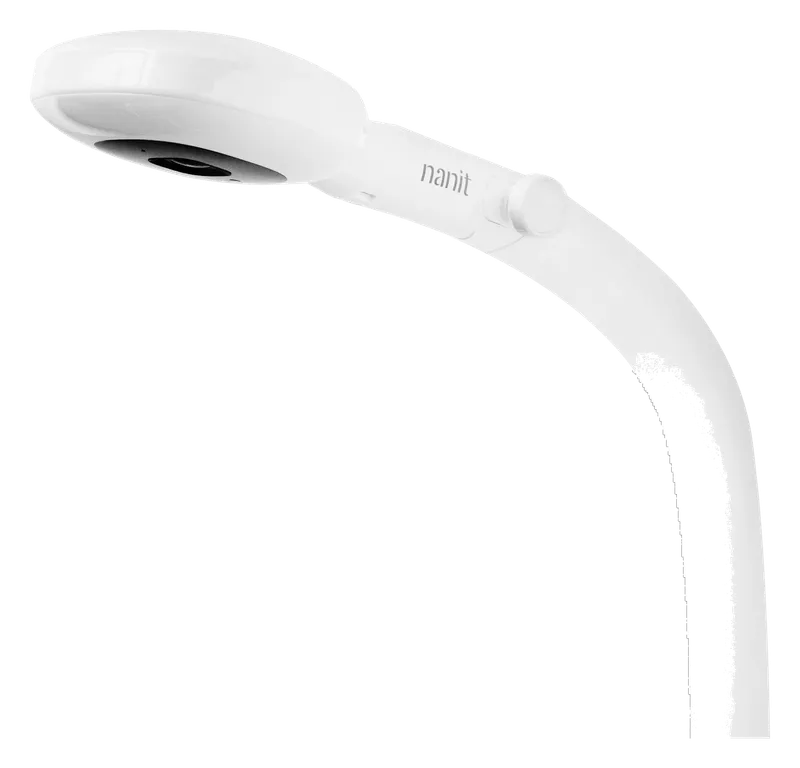
Nanit camera with floor stand
Owned and used by us
Convenient to check in on from your phone, and the alerts are nice.
Sound machine and night light
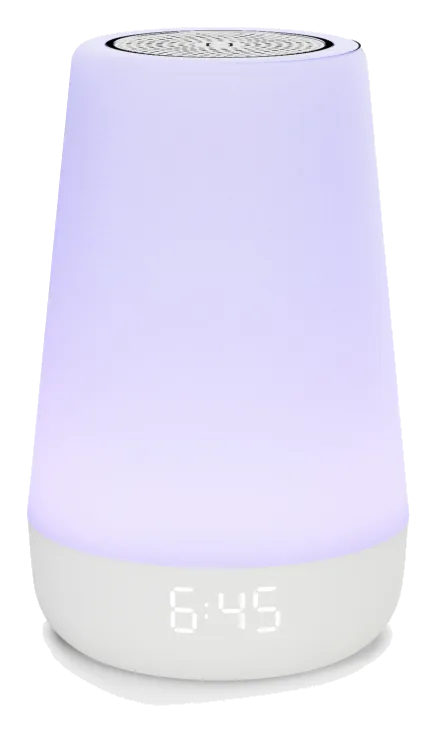
Hatch Rest (2nd gen)
Owned and used by us
We don't use all the features, but it's hooked up to Home Assistant, so one light switch turns off her light and starts the white noise.
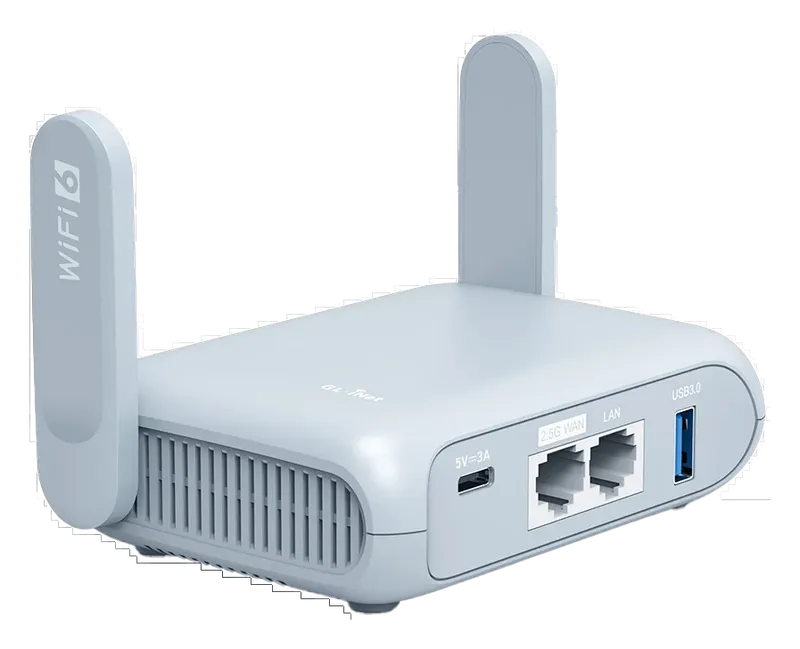
Travel router
GL.iNet Beryl AX (GL-MT3000) travel router
Owned and used by us
Connect it to the hotel Wi-Fi once, and the Nanit and Hatch connect to the router Wi-Fi they already know.
Most hotel Wi-Fi makes you log in on a web page before you get online. A phone can do that. A Nanit camera can’t, so on hotel Wi-Fi alone it never connects. We bring our own network instead.
The setup is three devices: a Nanit camera, a Hatch Rest (second generation), and a GL.iNet GL-MT3000 travel router, also called the Beryl AX.
At home, the Nanit is convenient to check in on from a phone, and the alerts are nice. The video can take a little too long to connect, and sleep tracking sometimes stops working until we unplug the camera for a bit. We don’t use most of the Hatch’s features, but it’s hooked up to Home Assistant, so one light switch turns off her light and starts the white noise.
What we do in the room
We plug in the router, log into its Wi-Fi from a phone, and connect it to the hotel Wi-Fi, getting through the login page from the phone. That’s the whole job. The Nanit and the Hatch automatically connect to the router’s Wi-Fi, and both apps work as they do at home.
They connect on their own because we added the router’s network to each device once, at home, as a second network it knows how to join. Every hotel, rental and grandparent’s house after that is one connection on the router, made from a phone, before bedtime.
Even without internet access, you can connect your phone to the travel router and still use the Nanit like a regular baby monitor, with a limited range.
If the login page won’t load
Sometimes the hotel’s login page doesn’t come up through the router. GL.iNet’s own troubleshooting page covers this. On firmware 4.6 and later, turn on the public hotspot login mode and Camouflage when you join the hotel network; Camouflage makes the router use your phone’s MAC address. Otherwise, turn off DNS rebinding attack protection, any VPN and AdGuard Home, then reload the login page. If none of that works, ask the front desk. Owners on GL.iNet’s forum also suggest joining the hotel’s 2.4 GHz network instead of 5 GHz. The Beryl AX is dual-band, and the Nanit camera works on either band.
Mounting the camera
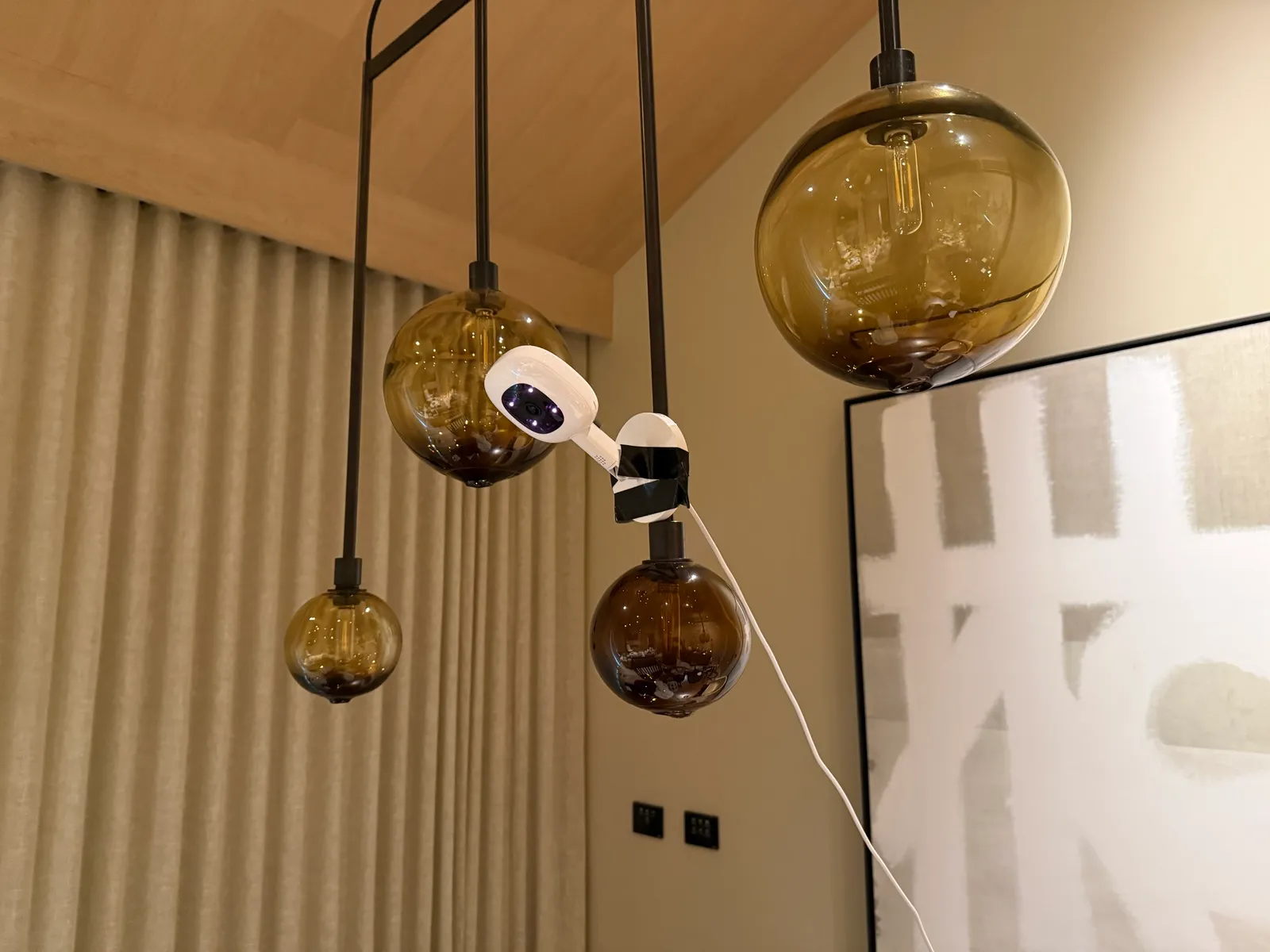
We use both the Nanit floor stand and the travel mount in hotels. You sometimes have to MacGyver a way to get the camera up high in a hotel room, and a small roll of tape helps.
Sources
- Nanit (checked October 20, 2026)
- How to use Nanit with 2.4 and 5 GHz Wi-Fi networks, Nanit help center (checked October 20, 2026)
- Rest 2nd gen overview, Hatch help center (checked October 20, 2026)
- GL.iNet GL-MT3000 Beryl AX (Amazon) (checked October 20, 2026)
- Connect to public hotspot with captive portal, GL.iNet docs (checked October 21, 2026)
- Beryl AX captive portal, Hynek Schlawack (owner notes) (checked October 20, 2026)
- MT3000 captive portal not loading, GL.iNet forum (checked October 20, 2026)